Posts tagged "iphone"
27 posts tagged iphone.
-
How to Share Wedding Photos With Family Privately on iPhone
2026-07-23
Build one wedding album in Pressbook, Prepare and share over iCloud, invite both families. Optional seal for the anniversary - not a shared drive dump.
-
How to Gift a Digital Photo Book on iPhone (Private Invite)
2026-07-22
Design a Pressbook album worth gifting, then Share memory → Prepare and share → Add people. Open now for reactions, or add an unlock date so the gift waits.
-
Digital Time Capsule for Photos on iPhone: Seal Until Unlock Day
2026-07-21
Seal any finished album, collage, or carousel until a date that matters. Guests wait; you can still open, edit, and send updates. Optional private invite.
-
How to Privately Share a Photo Album With Family on iPhone
2026-07-20
Share memory → Prepare and share → invite only through iCloud. Manage People, Comments, and reactions - no Pressbook account and no public feed.
-
Photo Album Density on iPhone: The Fullness Slider Explained
2026-07-19
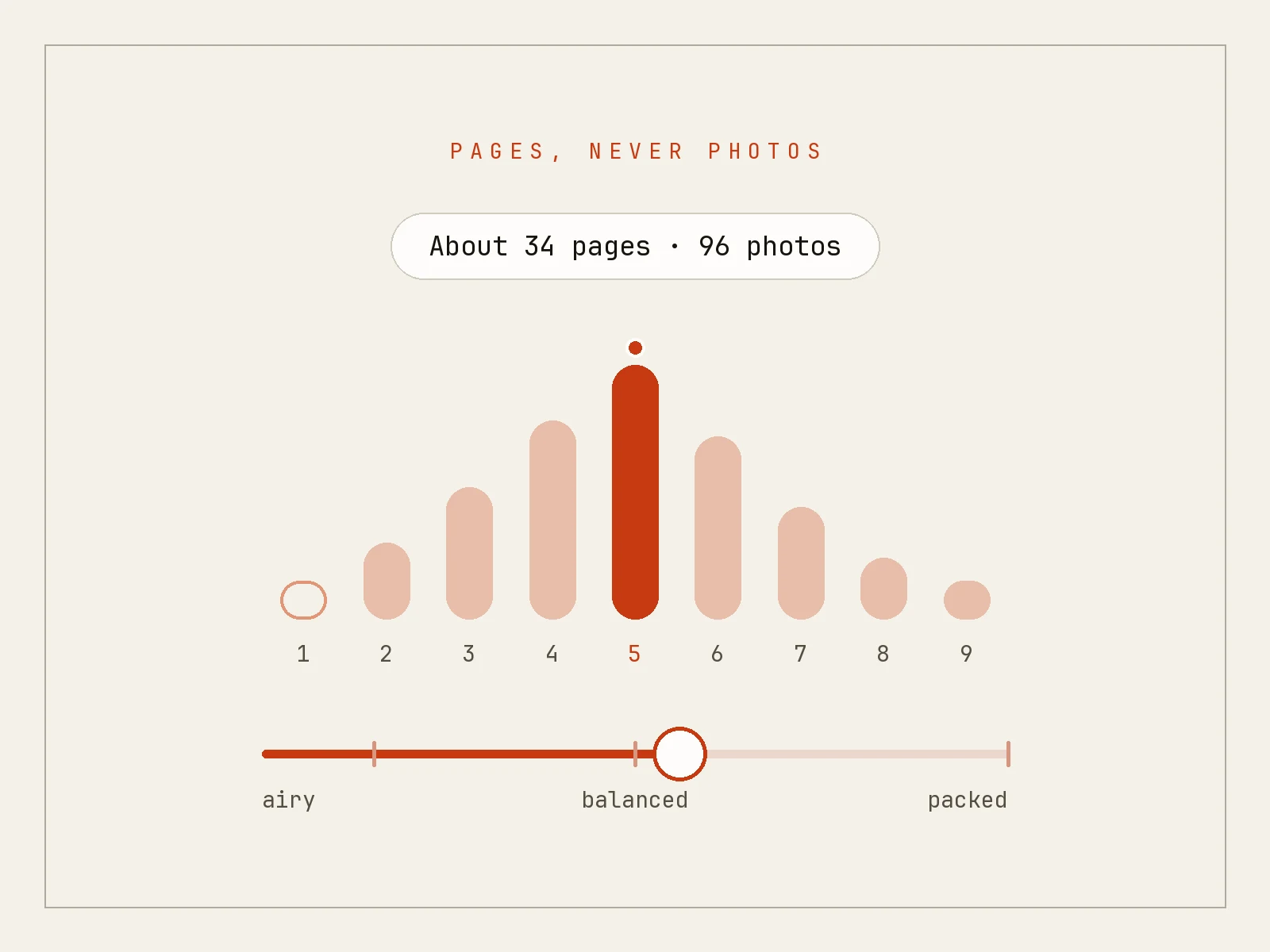
Stop guessing album density. Pressbook's fullness slider shows page count and photo count live so you design pages, not a dump of every frame.
-
How Pressbook Sorts Your Camera Roll on iPhone (No Internet)
2026-07-18
Chapters by time and place, bursts collapsed to the best frame, even people coverage, place names - how Pressbook reads a camera roll without the internet.
-
Pressbook 1.2.2: Rebuilt Album Engine, Chapters, and Fullness Slider
2026-07-17
Chapters that follow time and place, a fullness slider that changes page count live, and a cleaner path from camera roll to finished album - all on-device.
-
Pressbook 1.2.1: Live Layout Previews for Collages and Carousels
2026-07-12
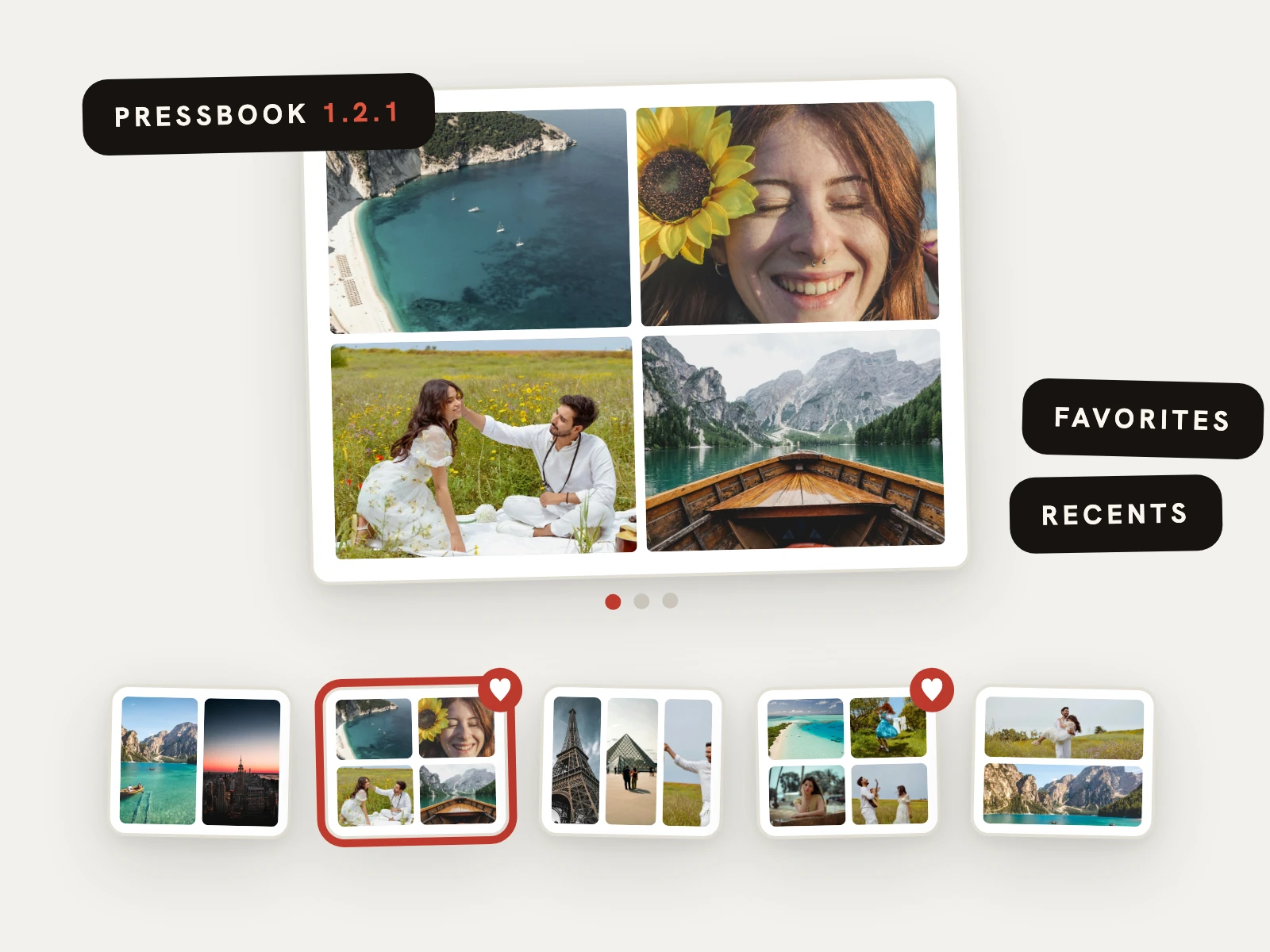
The Pressbook layout picker for collages and carousels now opens with a large live preview and a filmstrip of every layout, plus favorites, recents, and recolorable doodle stickers.
-
Photo Album Reader on iPhone: Flip Pages Like a Magazine
2026-07-11
Finished Pressbook albums open in a page-curl reader. Sit with the pages on your iPhone or iPad - works offline, because looking is the point.
-
5 Photo Album Ideas for iPhone This Weekend (About 20 Minutes Each)
2026-07-10
Five concrete album prompts from the unsorted trip to the city you live in. On-device in Pressbook - about twenty minutes each, nothing uploaded.
-
Smart Guides on iPhone: Align Photos as You Drag in Pressbook
2026-06-23
Move, resize, or rotate anything on a Pressbook page and guides snap centers, equal gaps, and angles - including carousel panel edges.
-
How to Add Animated Stickers to Photos and Videos on iPhone
2026-06-21
Add animated stickers on iPhone in Pressbook, plus photo cut-outs. Motion in video exports, still frame for print. Discover search is opt-in and private by default.
-
How to Add Video to Photo Collages and Carousels on iPhone
2026-06-19
Drop video into the same collage and carousel slots as photos: trim, filter, keep sound, export MP4. All on your iPhone, clips never uploaded.
-
How to Make a Wedding Photo Album on iPhone (to 600 DPI Print)
2026-06-18
Curate wedding photos on-device, lay out Editorial, export a 600 DPI PDF for a pro lab. Optional Memory Capsule for the anniversary - no upload at any step.
-
87 Film Filters and 32 Overlays for Photo Albums on iPhone (On-Device)
2026-06-16
87 film-inspired grades and 32 drawn overlays, all computed on your iPhone. Portra-style looks to modern clean - print what you design, nothing uploaded.
-
On-Device Photo Captions on iPhone With Apple Foundation Models
2026-06-13
Pressbook writes chapter quotes and photo captions on your iPhone with Apple's Foundation Models - no upload. Falls back to a curated library and labels which it used.
-
Memory Capsule: Seal a Photo Album Until a Future Date (iPhone)
2026-06-11
Create Memory Capsule on any finished album, collage, or carousel. Guests wait for the unlock date; you can always open, edit, and send updates.
-
Make a Magazine-Style Photo Album on iPhone in Seconds
2026-06-10
Drop in trip or year photos and Pressbook lays out a magazine-style album in seconds. On-device AI, no account, export to print or share privately.
-
On-Device vs Cloud Photo Book Apps: Why Local AI Wins on iPhone
2026-06-09
Cloud apps upload and downsize before AI. Pressbook scores full-resolution originals with Apple's Vision framework on iPhone - private, faster, print-ready.
-
How to Make a Photo Collage on iPhone in Seconds
2026-06-06
Quick Collage turns a handful of photos into a finished grid: square, story, post, or wide. Shuffle layouts, save to Photos, share - on your iPhone.
-
How to Make a Photo Book on iPhone Without Uploading (Airplane Mode)
2026-06-04
Pick photos on your iPhone, curate and layout with on-device AI, export a print-ready PDF in airplane mode. Your camera roll never leaves the device.
-
How to Make an Instagram Carousel From Photos on iPhone
2026-06-02
Turn up to ten photos into one continuous Instagram carousel. Pressbook lays them on a single canvas, slices panels, and exports to Photos - all on-device.
-
On-Device AI Photo Curation on iPhone (Apple Vision, No Uploads)
2026-06-01
Back from a trip with hundreds of photos? Pressbook uses Apple's Vision framework on the Neural Engine to score faces, quality, and scenes locally - then builds a private album you control.
-
How to Make a Photo Sticker on iPhone (Cut Out Subjects On-Device)
2026-05-28
Lift a person or object out of any photo with Apple's Vision framework and drop it on your album or collage as a sticker. Full resolution, on your iPhone, nothing uploaded.
-
How to Add Curved Text to Photos on iPhone
2026-05-21
Bend captions along an arc, circle, or drawn path in Pressbook. Type stays sharp on the page, works offline, and exports with your photo album or collage.
-
Pressbook for iPhone: Magazine Photo Albums With On-Device AI
2026-05-08
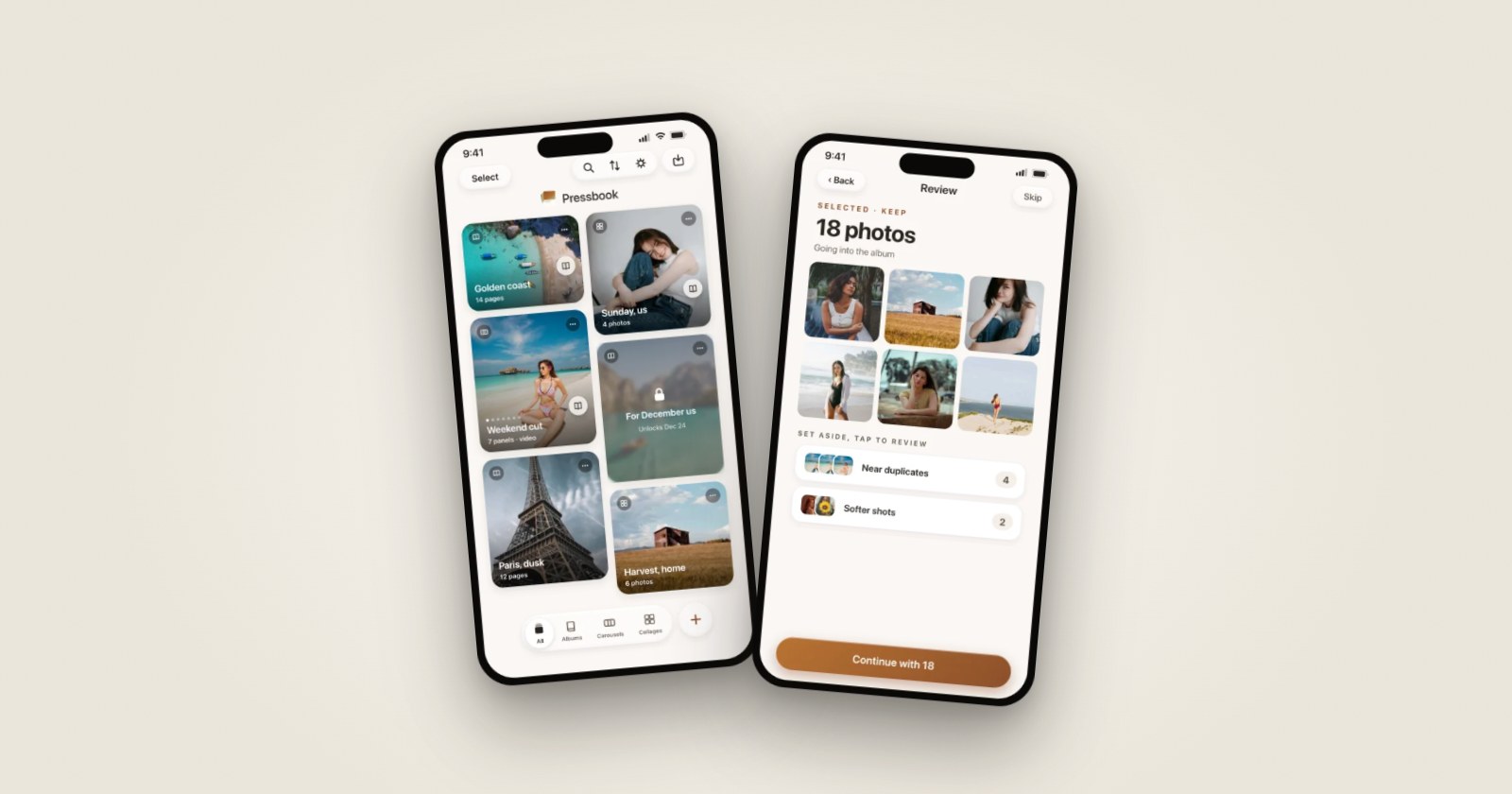
Pressbook is on the App Store. Turn your camera roll into magazine-style photo albums with on-device AI - curation, layout, and 600 DPI export without uploading photos.
-
How to Make Your First Photo Album on iPhone (5 Minutes, On-Device)
2026-03-15
Camera roll to print-ready PDF in about five minutes on your iPhone. Pick photos, choose a style, optional Memory Capsule, export at lab quality - no account and no upload.