How to check what an app does with your data
A privacy policy tells you what a company says it does. Your iPhone can show you what an app actually contacts. Checking any app takes two minutes on its App Store page, one minute in Settings, and a few days of using the app as you normally would. The last section lists what you should see when you check our three apps.
Step 1: Read the App Store privacy label
Open the app's page in the App Store and scroll to App Privacy. The developer fills it in, under up to four headings:
| Heading | What it means |
|---|---|
| Data Used to Track You | Linked with other companies' data for targeted advertising or ad measurement, or shared with a data broker |
| Data Linked to You | Collected and tied to your identity, through your account, your device or other details |
| Data Not Linked to You | Collected, but de-identified or anonymized first, so it isn't tied to your identity |
| Data Not Collected | The developer collects nothing from the app |
Apple defines each term. To "collect" data is to send it off your device "in a way that allows you and/or your third-party partners to access it for a period longer than what is necessary to service the transmitted request in real time." Tracking means linking data about you "with Third-Party Data for targeted advertising or advertising measurement purposes, or sharing data collected from your app about a particular end-user or device with a data broker." (Apple's definitions)
The label is self-declared. Apple tells developers, "You're responsible for keeping your responses accurate and up to date." Asking first doesn't exempt an app either: "data collected on an ongoing basis after an initial request for permission must be disclosed." The label is what an app says. The next step shows what it does.
Step 2: Turn on App Privacy Report
On an iPhone or iPad with iOS 15.2 or later:
- Open Settings and tap Privacy & Security.
- Scroll down and tap App Privacy Report.
- Tap Turn On App Privacy Report.
- Use your apps as you normally would for a few days. The report covers the last 7 days.
Then open the report again. It has four parts (Apple's guide):
- Data & Sensor Access shows how often each app used your location, photos, camera, microphone, contacts and other sensitive data.
- App Network Activity lists the domains each app contacted, "either directly or from content within an app."
- Website Network Activity lists the domains contacted by websites you visited inside apps.
- Most Contacted Domains lists the domains all your apps contacted most.
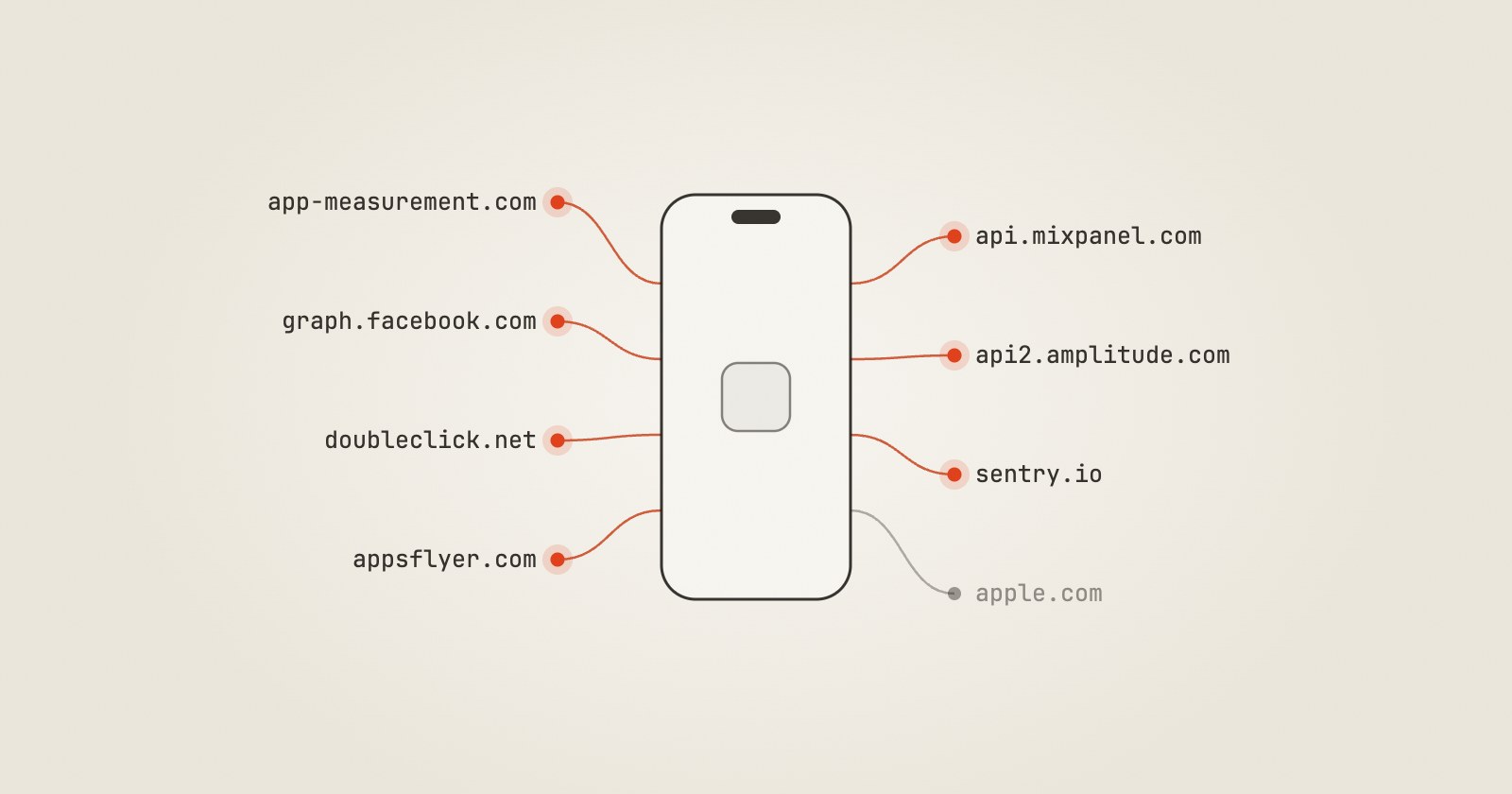
Tap an app under App Network Activity to see its domains. Some worth recognizing:
| A domain like | Usually belongs to |
|---|---|
| app-measurement.com | Google Analytics for Firebase |
| graph.facebook.com | Meta's Facebook SDK |
| doubleclick.net | Google's advertising |
| appsflyer.com, adjust.com | Install and ad attribution |
| api.mixpanel.com, api2.amplitude.com, i.posthog.com | Product analytics |
| sentry.io, crashlytics.com | Crash reporting |
A domain on its own doesn't prove what was sent. The report shows who an app talked to, not what it said. Apple's own domains are expected, since the App Store, iCloud and notifications all run through them. The report itself is encrypted and stays on your device, and turning it off clears it.
Step 3: On a Mac, watch the network
- LuLu is a free, open-source firewall from Objective-See. It asks you the first time any app tries to connect out, and shows where it's going.
- Little Snitch is a paid network monitor that shows every connection each app makes.
- Activity Monitor is built in. Its Network tab shows how much each app has sent and received.
What you should see from our apps
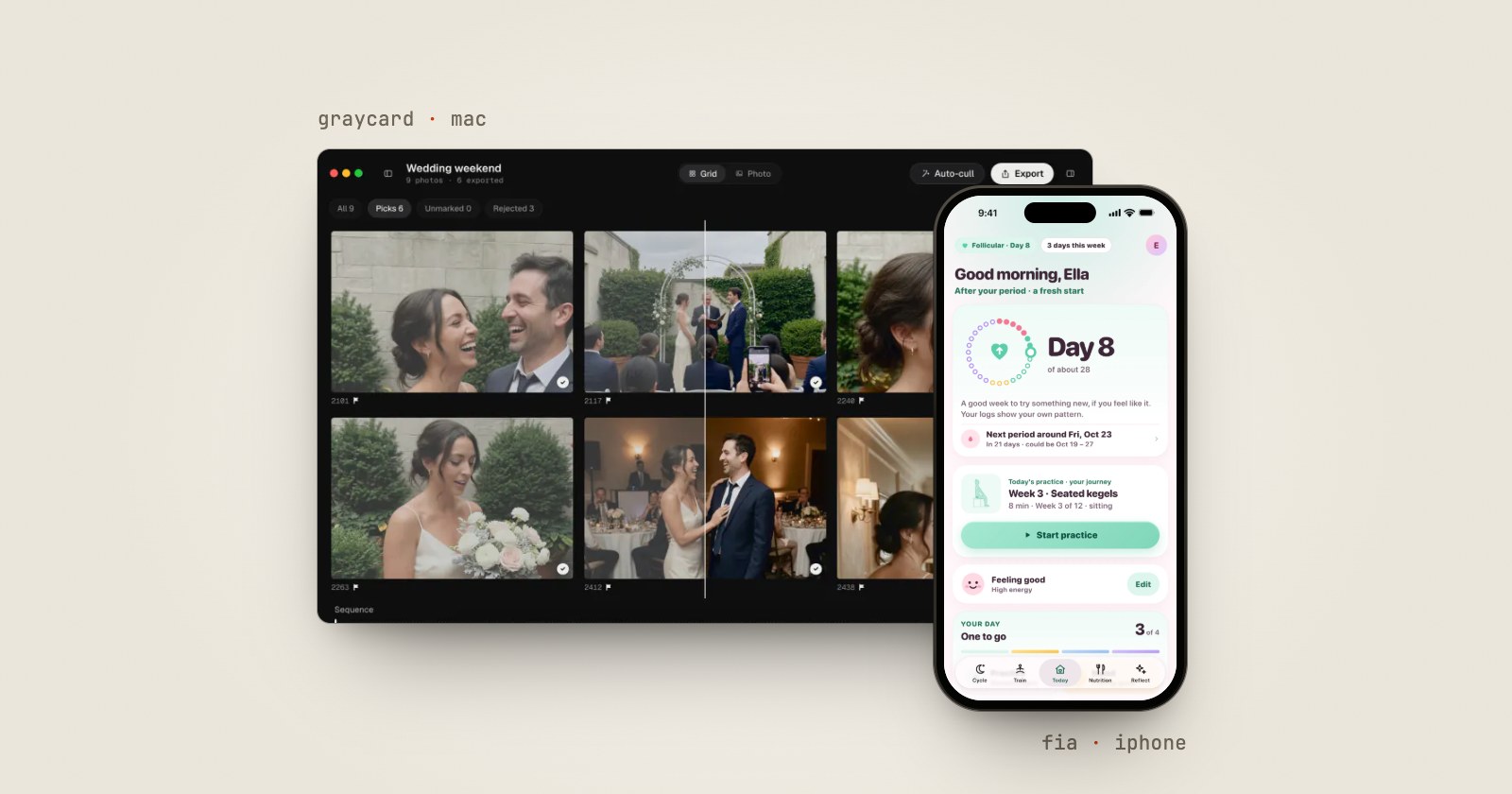
This is what each of our apps contacts, taken from their code. Some traffic is handled by iOS or macOS on an app's behalf: App Store purchases, iCloud and notifications. It runs through Apple's own services, so it may show up as Apple's domains, or not under the app at all.
| With nothing optional turned on | Only if you turn it on | |
|---|---|---|
| Fia | Nothing of its own. iOS checks your App Store purchases for it. | Apple's iCloud, for sync, or for sharing when you invite someone or open Your people. |
| Graycard | Nothing of its own. macOS checks your App Store purchases for it. | eu.i.posthog.com and eu-assets.i.posthog.com, if you turn on analytics. |
| Pressbook | Apple's services. If you're signed in to iCloud, iOS checks for shared albums and circles whenever Pressbook opens, even if you've never shared. It also registers for notifications and checks your App Store purchases. | eu.i.posthog.com and eu-assets.i.posthog.com for analytics; api.klipy.com and other klipy.com addresses for Klipy sticker search; buttondown.com only if you join the print waitlist. |
One more Pressbook case: when you add a photo that's in iCloud Photos but not on your device, Apple's Photos downloads it, as it would for any app.
If you see something that isn't in this table, tell us at hello@sideswipelabs.com. We want to know.