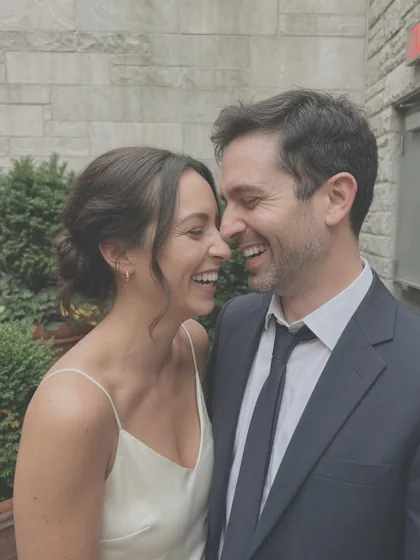
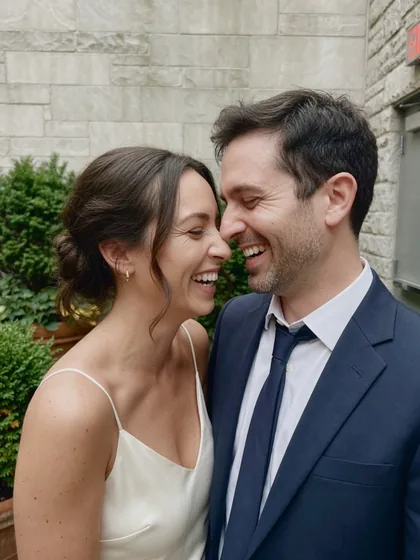
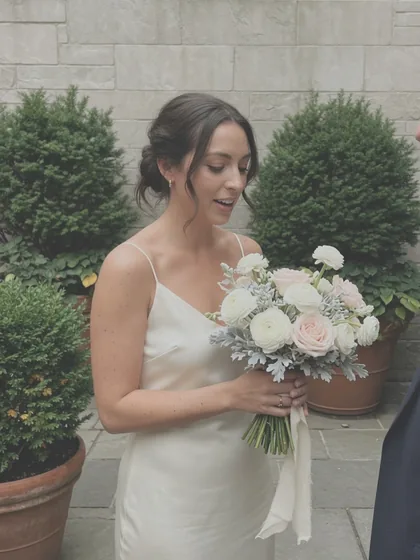
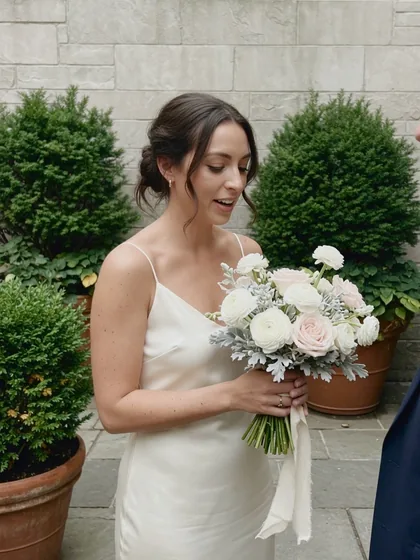
Free
$0
no account, no trial clock
- Your first 80 photos, at every size
- Auto-cull and Graycard Auto
- Twelve looks, styles, and LUTs
- Crop, 16-bit TIFF, and XMP
- Your studio logo
 RAW photo converter for Mac
Open a card or folder of RAW or JPEG on your Mac. Graycard sets aside the misses, finishes the color on every keeper, and exports JPEGs sized for messages, social, email, and print. Nothing is uploaded.
Free download · First 80 photos free · macOS 26 or later
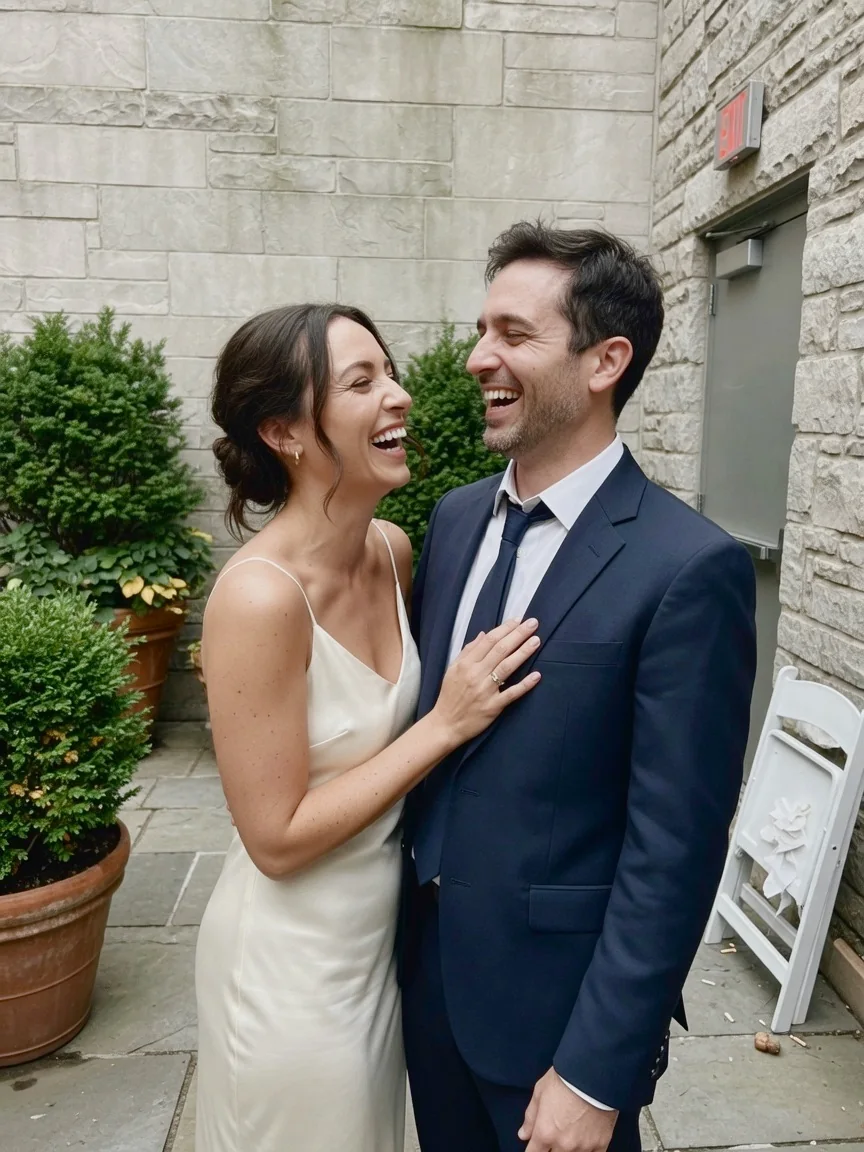
DSC_2101 · ARW+JPG
01 Why
Next to your phone’s photos, a camera photo can look flat. Nothing is wrong with it. It isn’t finished, for three reasons.
Graycard does that finishing on your Mac. Graycard Auto balances faces, tone, and color on every photo you keep, and the result stays natural.
The full explanation, with sourcesIt merges several frames into one, then adds local contrast, brightness, saturation, smoothing, and sharpening, before you ever see the photo.
Adobe Research, Project Indigo, June 2025 · Lux, Process Zero, August 2024
Neutral, Flat, and Faithful keep contrast and color low so the photo can be edited later. Canon describes its Neutral style as made “for natural colors and subdued images”.
The camera’s look lives in its JPEG and in the preview inside the RAW. Other apps render the RAW their own way, so it often opens flatter than it looked on the camera.
The Lightroom Queen, February 2017 · What Digital Camera, September 2014
02 One pass
Open
Graycard reads the folder where it is. The grid fills from the previews your camera already made. Nothing is imported.
Auto-cull
Blur, closed eyes, bad exposure, and bursts are set aside for review, on this Mac. You decide on every one. Nothing is deleted.
Graycard Auto
Faces, tone, and color balanced on each photo you keep. The sequence meter levels as the day comes together.
Export and share
For sharing writes 2048 px JPEGs, tagged sRGB, with location removed. Then Share to AirDrop, Messages, Mail, or Photos.
03 Graycard Auto
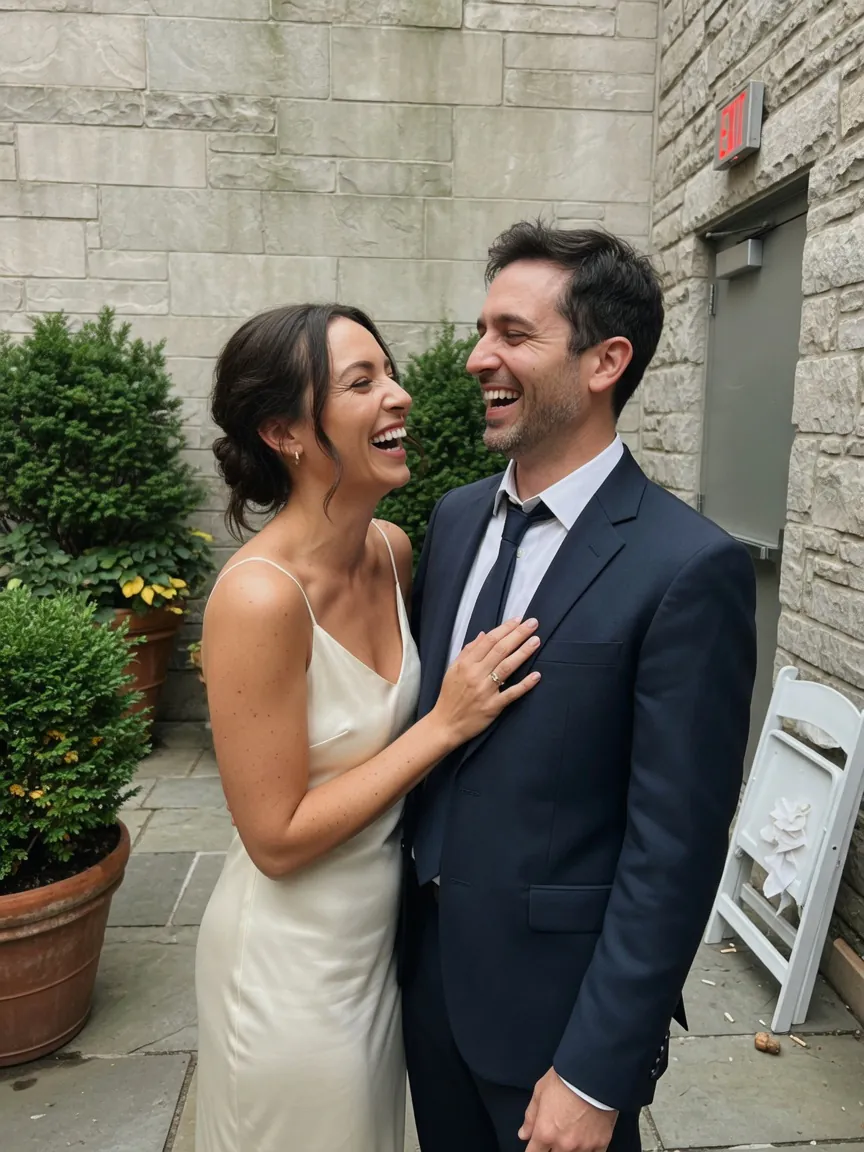
Graycard Auto, Graycard’s own color engine, balances faces, tone, and color on every photo you keep, on this Mac. Change any of it, or leave it. Turn Auto down, or switch off a part:
Spring and summer ceremonies. Brighter and softer, warm skin, greens that stay green. Night frames stay night.
Save any look as a style and share it as XMP. Looks are optional: Auto alone keeps the photo natural.
04 One look
Window light in the morning, shade at noon, lamps after dark. Shot as it comes, a day drifts from photo to photo. Graycard shows the drift before you export, and levels it when you lock white balance.
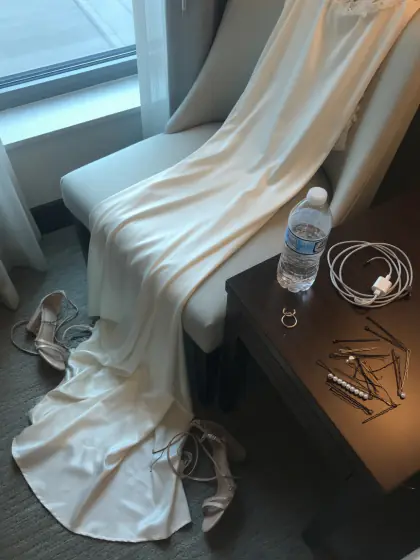
13:40 Getting readyWindow light · 6,200 K
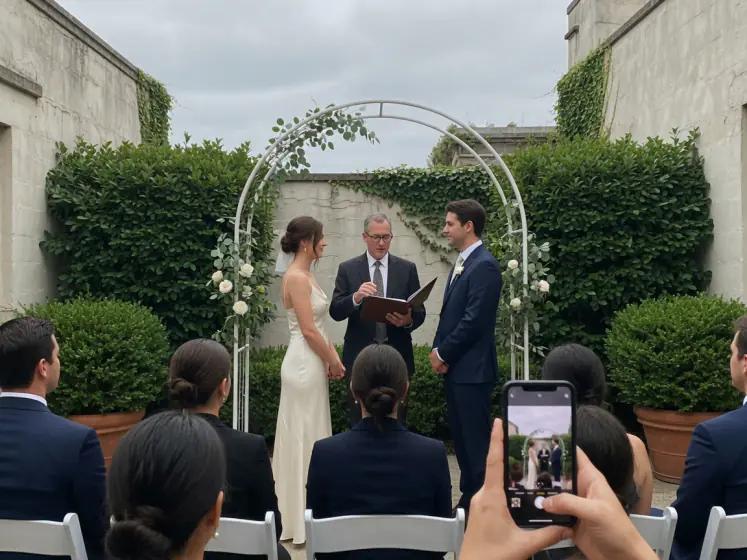
15:10 CeremonyOvercast courtyard · 6,800 K
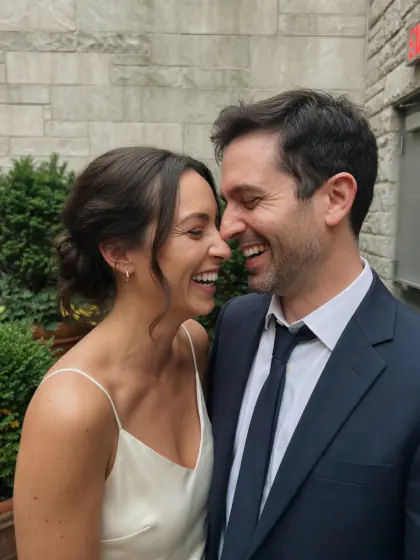
15:35 PortraitsOpen shade · 7,400 K
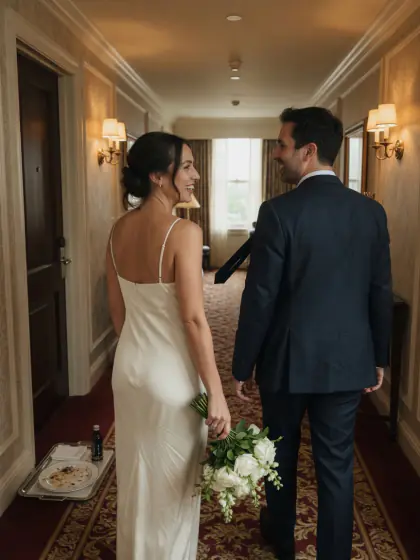
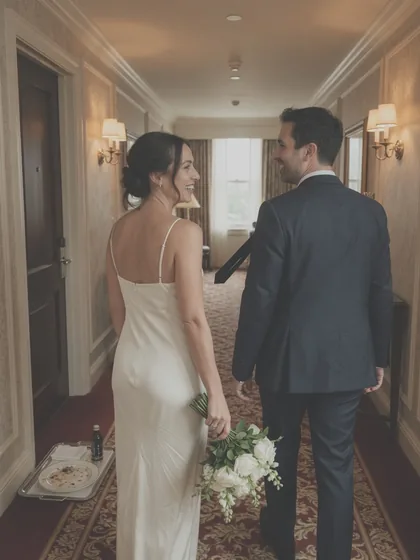
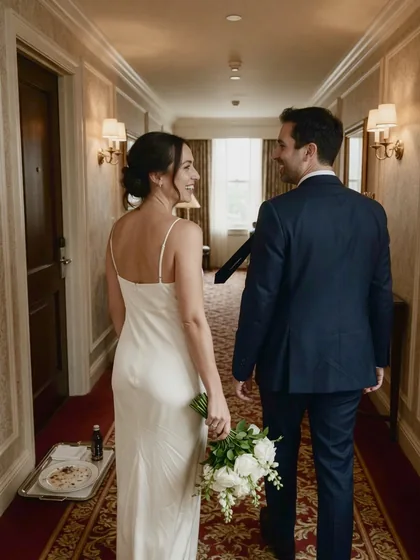
18:20 HallwaySconces and a window · 4,300 K
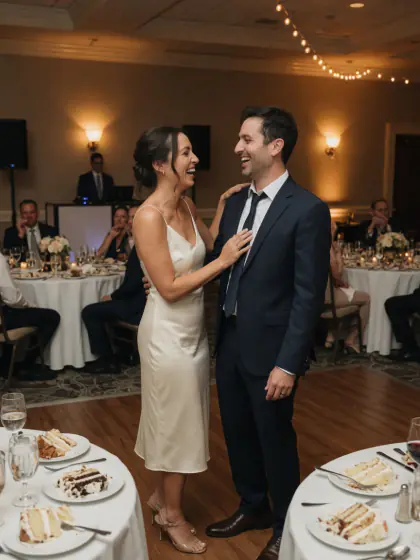
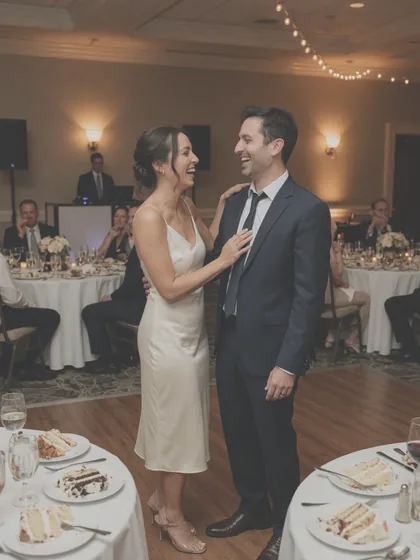
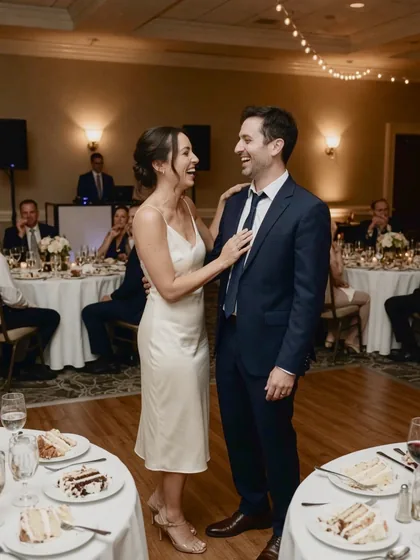
21:00 First danceTungsten · 3,000 K
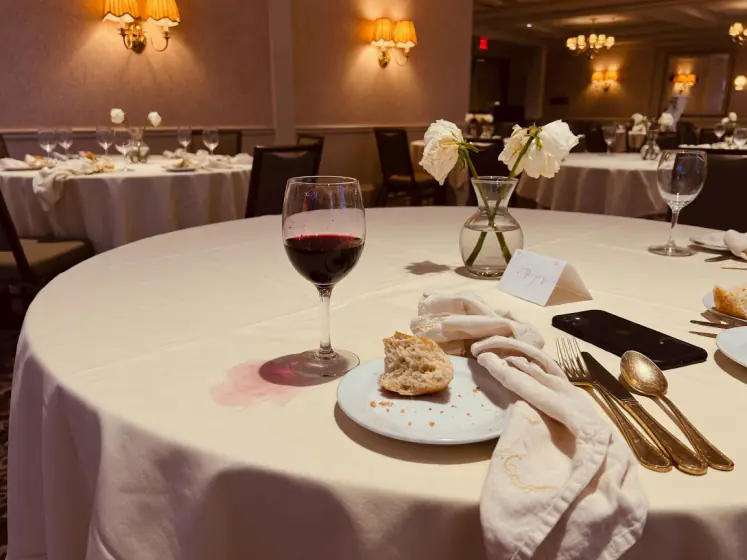
21:40 DinnerCandles and sconces · 2,700 K
SequenceDrift across 6 rooms
The sequence meter colors each photo by its rendered cast, so drift shows before export. An indicator, not a measurement. Illustrative casts, rendered in your browser. Copy one photo’s look onto the rest with ⇧⌘C.
05 Export and share
JPEGs for messages, social, email, or print, tagged sRGB or Display P3. Shot date kept. Location is your call.
Graycard finishes each photo, writes its JPEG, then moves to the next. Camera files stay as they are.
For messages, social, and email.
Card · Untitled
DCIM / 100MSDCF
Export · Your folder
~/Pictures/Wedding weekend
fig. 4 Each photo is written as soon as it is finished. Illustrative photos.
06 Any shoot
A wedding, a trip, a match day, a portrait session, or every photo your photographer handed over: open the folder and go.
01
Back from a trip or an event with a card of RAW and JPEG. Graycard reads the card in place, sets aside the misses, finishes the rest, and exports a set for the family chat.
Card · Auto-cull · Auto · For sharing
02
A drive or a download link with every photo from the day, some of them RAW. Open the folder as it is. Auto-cull narrows thousands to the keepers, Auto finishes the color, and the keepers export ready to share.
What to do with every photoDrive · Auto-cull · Auto · For sharing
03
Hand over every photo, finished, not only the selects. Cull from the keyboard, lock one white balance across the day, add your studio logo, and write XMP sidecars.
For photographersCard · Keys · Lock white balance · Full size
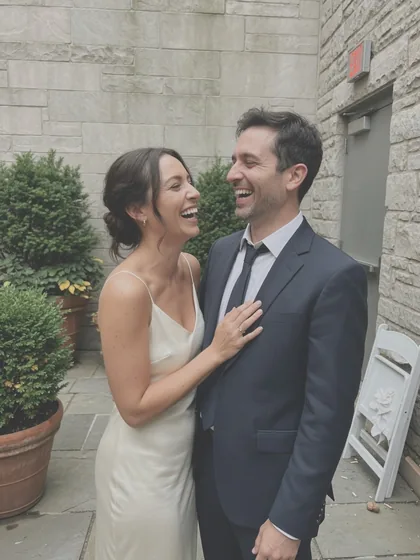
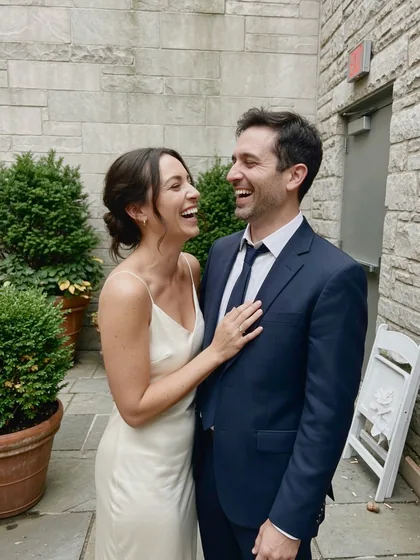
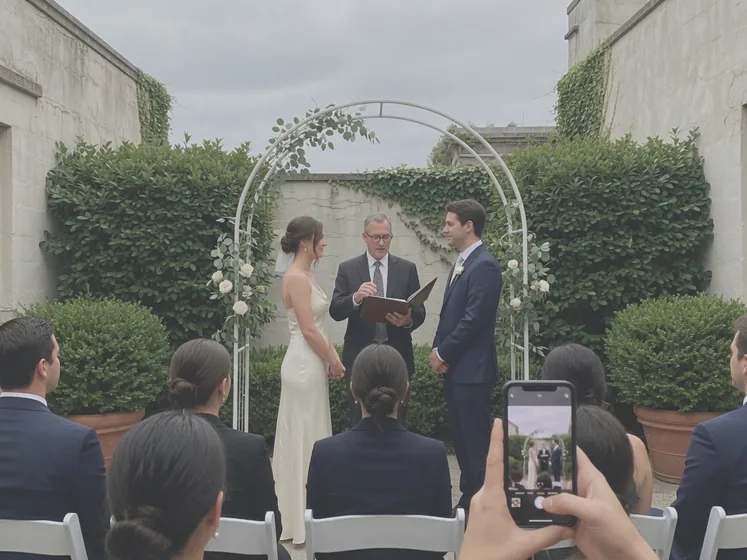
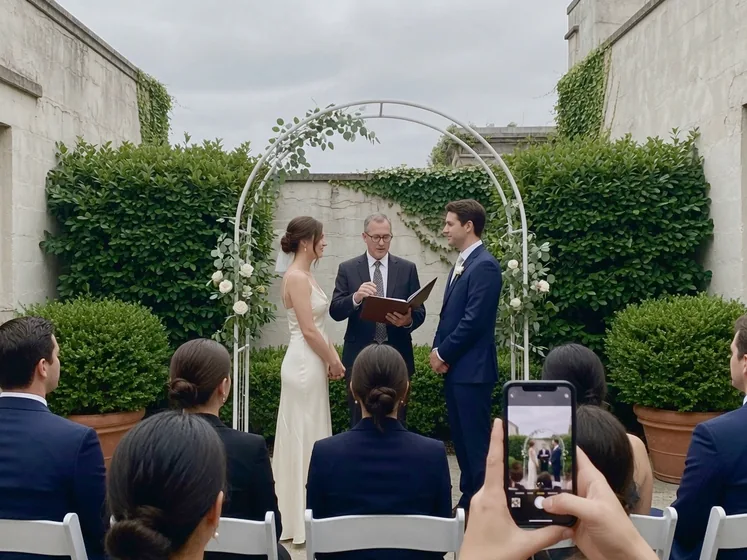
fig. 5 Illustrative photos, as shot and as Graycard exported them.
07 For photographers
Not only the selects. Add your studio logo, write XMP sidecars, and keep IPTC credit. Cull from the keyboard.
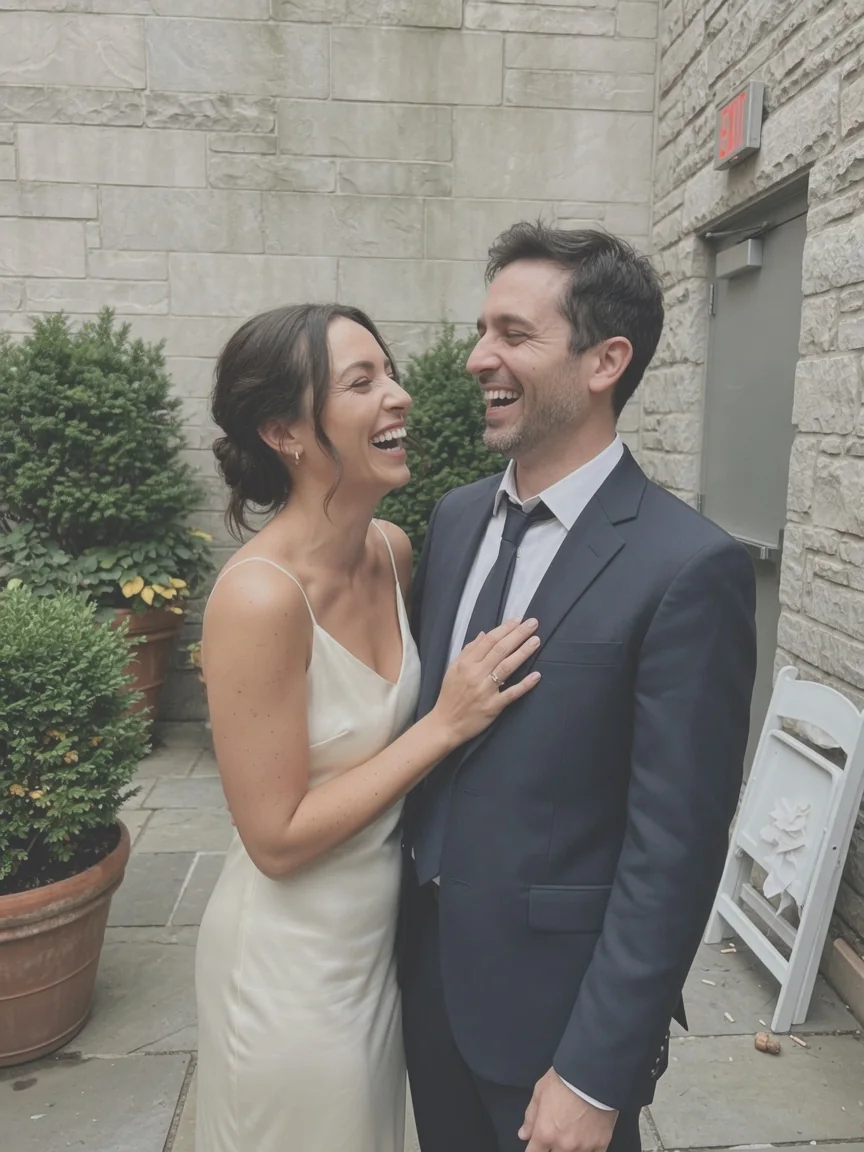
Point at the photo or click it, then use the keys. Or tap them here.
Culling, finishing, and export run on the Mac in front of you. The folder stays where you opened it, and exported photos go to a folder you choose. Purchases use the App Store. Analytics is off until you turn it on in Settings › Privacy; then anonymized events go to PostHog in the EU. Photos, folder names, and client names are never included.
your photos anonymized events, only when on
$ audit graycard --data
no library
A security-scoped bookmark opens the folder where it is. Nothing is copied, and the originals are never changed.
own color engine
Graycard’s own on-device engine finishes each photo on this Mac. Photo bytes are not uploaded.
on this mac
Blur, closed eyes, exposure, and bursts are checked on the camera’s embedded previews. The measurements stay on this Mac.
your call
For sharing removes GPS and place names. Full size and Print keep them unless you choose Remove.
least access
Graycard reads only the folders you open, and asks before it writes to a card.
off by default
Off until Settings › Privacy. Turning it off deletes the anonymous install ID.
Every tool is included, and exporting those photos again stays free. Pro removes the limit, so a whole shoot goes out in one export.
Free
$0
no account, no trial clock
Graycard Pro
share every shoot$59.99once
one payment, no renewal
Prices in USD. The Mac App Store shows yours before you buy. Monthly and yearly renew until you cancel at least 24 hours before the period ends. No free trial.
Graycard is a RAW photo converter for Mac. Open a card or folder of RAW or JPEG, let Auto-cull set aside the misses, let Graycard Auto finish the color on every keeper, and export JPEGs ready to share. Everything runs on your Mac, and nothing is uploaded.
Your phone finishes every photo before you see it: it merges several frames, then adds brightness, local contrast, saturation, and sharpening. A camera renders one frame in the style you chose, and styles like Neutral, Flat, and Faithful are subdued on purpose. A RAW file isn’t finished at all. Graycard finishes each photo with Graycard Auto, on your Mac.
Graycard Auto balances faces, tone, and color, and the result stays natural. It works on the whole photo, so there are no masks, no sky replacement, and no retouching. If a photo wants less, turn Auto’s intensity down, or turn off any of its parts: face balance, vibrance, tone curve, highlights and shadows, and red eye. Looks are optional and have their own intensity.
Yes. Open the folder, drive, or download as it is. Graycard reads RAW from the major camera makers, plus DNG, JPEG, and HEIF, without importing anything, and a RAW and its JPEG count as one photo. Auto-cull sets aside blurry, eyes-closed, and badly exposed photos for you to review, Auto finishes the color, and the keepers export as JPEGs ready to share.
No. Graycard reads the files where they are, on the card or drive, through a macOS security-scoped bookmark. There is no library to import into. Edits are stored as small recipes on your Mac, and the original files are never changed.
RAW from Sony, Canon, Nikon (NEF and NRW), Fujifilm, OM System, Panasonic, Pentax, Samsung, Leica (RWL), Hasselblad (3FR and FFF), and Phase One (IIQ), plus DNG, JPEG, and HEIF. A JPEG or HEIF shot beside a RAW counts as one photo with it, and a RAW on its own works too.
Use the For sharing preset: JPEGs 2048 px on the long edge, tagged sRGB, with GPS and location fields removed and the shot date and camera kept. For print or your archive, use Full size, or Print for 16-bit TIFF.
No. Auto-cull only sets photos aside for your review: blur, closed eyes, bad exposure, and burst duplicates. You decide on every one, and Graycard never deletes a file. Auto-cull reads the camera’s embedded previews, not the full RAW.
Photo bytes are not uploaded. Culling and finishing run on your Mac, and there is no account. Analytics is off until Settings › Privacy. When you turn it on, anonymized events and an anonymous install ID go to PostHog in the EU. Photos, folder names, and client names are never included, and the data is not used to track you across other companies’ apps.
Graycard is free to download, and every tool is free. Your first 80 photos are free to export, and exporting those photos again stays free. Graycard Pro removes the limit, as a monthly or yearly subscription or a one-time Lifetime purchase. The Mac App Store shows the price in your currency before you buy. Family Sharing is included, and Restore Purchases is in the app.
Color changes apply to the whole photo: there are no masks, no retouching brushes, and no lens-profile editor. Auto-cull reads the camera’s embedded previews, not the full RAW. Graycard is a Mac app; there is no iPhone or iPad version.
macOS 26 or later, on Apple silicon or Intel.
mac app
Open a folder, keep the best, finish the color, and export JPEGs ready to share. On your Mac, from the first photo to the last.