Pressbook 1.2.8: One Share Panel, Reels, Private or Public

Pressbook 1.2.8 is on the App Store. It is about how you leave the editor with finished work: one Share sheet for every format, Reels from collages and carousels, and a clear choice between private invite and public link. Sharing stays free. Design still runs on your device. The product site is pressbook.app.
One Share panel
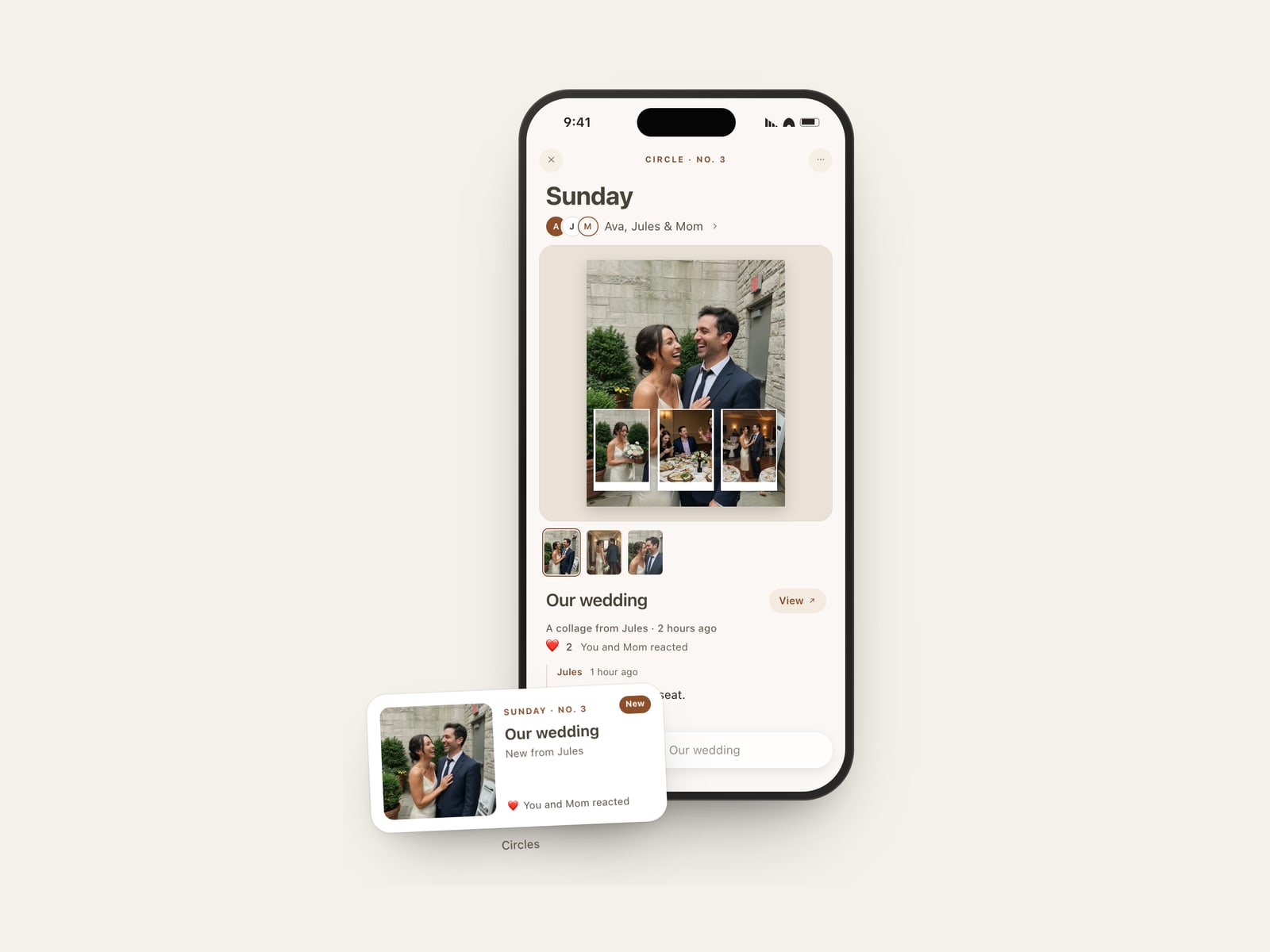
Albums, collages, and carousels open the same glass Share sheet. The tabs change with the format so you never land on a dead option.
| Format | Tabs |
|---|---|
| Album | PDF · Share memory · Images · Project file |
| Collage | Send · Share memory · Reel |
| Carousel | Send · Share memory · Reel |
Share memory is the live invite path (reactions, comments on private invites, optional Memory Capsule). Send is a still or video for Messages, Photos, or the system share sheet. PDF and Images stay on albums. Project file is the editable .pressbook archive. Reel is collages and carousels only.
Albums open Save PDF or Choose Photos… from those tabs. They never show a Reel tab.
Reels from collages and carousels
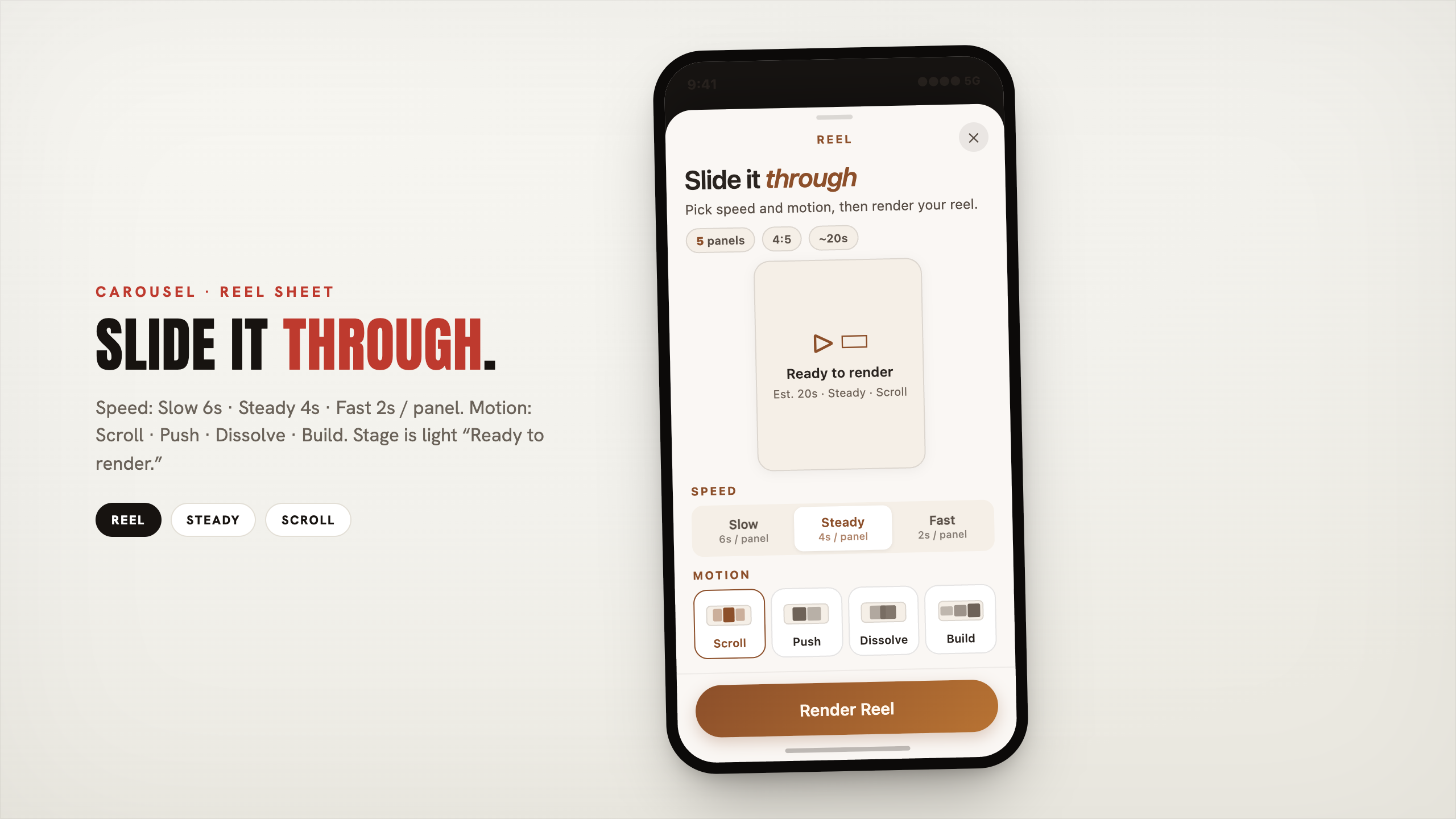
On a finished collage or carousel, open Share and choose Reel.
- Collage builds layers up, then holds on the finished page.
- Carousel advances through panels (Scroll, Push, Dissolve, or Build), with Slow / Steady / Fast pace.
You get a short vertical file for Stories, Instagram Reels, or TikTok. Encoding can continue if you briefly leave the app. Success offers Share Reel (system share); there is no separate Save to Photos row on the Reel sheet. Albums do not export Reels.
Full steps: make a photo Reel from a collage or carousel.
Private invite or public link
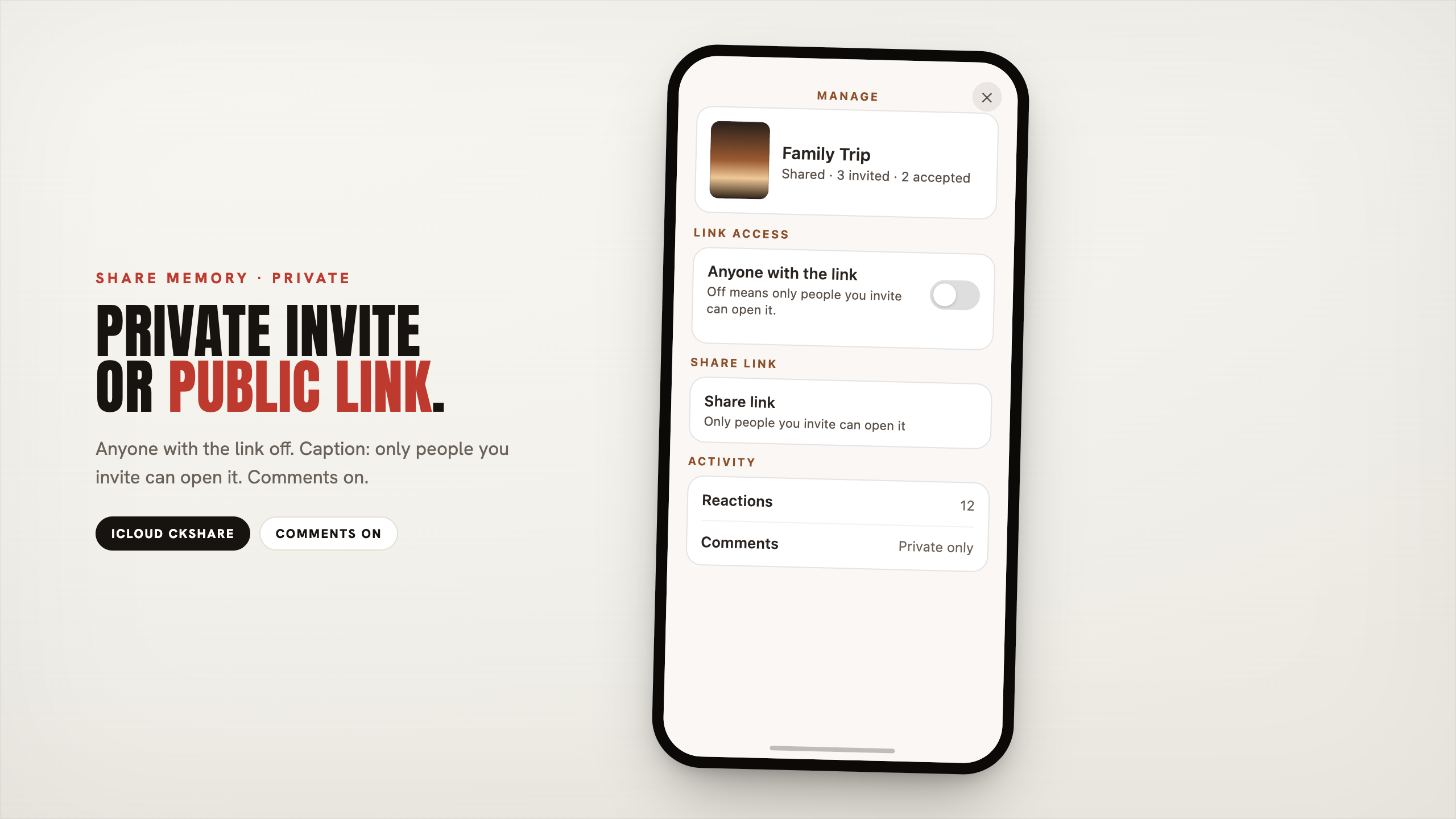
Live share still goes through Apple iCloud, not a Pressbook server. In Manage, Anyone with the link is either off or on. The modes are mutually exclusive.
| Private invite | Public link | |
|---|---|---|
| Who opens | People you add | Anyone with the link |
| Reactions | Yes | Yes |
| Comments | Yes | No (reactions only) |
No discovery feed. No Pressbook account. Guests open the work in Pressbook on their own device. You can switch modes later without wiping who you already invited; what they can do follows the active mode.
Decision guide: private invite vs public link.
Also in 1.2.8
On the home All tab, Continue and Coming up surface work in progress, with a resume toast when you return.
Free still covers design, Reels, and sharing (capsules, reactions, comments). Pro still covers large albums, 600 DPI print export, high-quality video, watermark off, and Apple Pencil tools.
Photos are not uploaded to a Pressbook backend to design or export. Shared packages move through your iCloud. Analytics stay opt-in and off by default.
Start in Pressbook, make a carousel or collage, or open the product site. Free on the App Store. iPhone and iPad, iOS 18 and up.
Related: 1.2.2 album engine · 1.2.1 layout previews · Reel how-to · share privately · blog · support.