How to Make an Instagram Carousel From Photos on iPhone
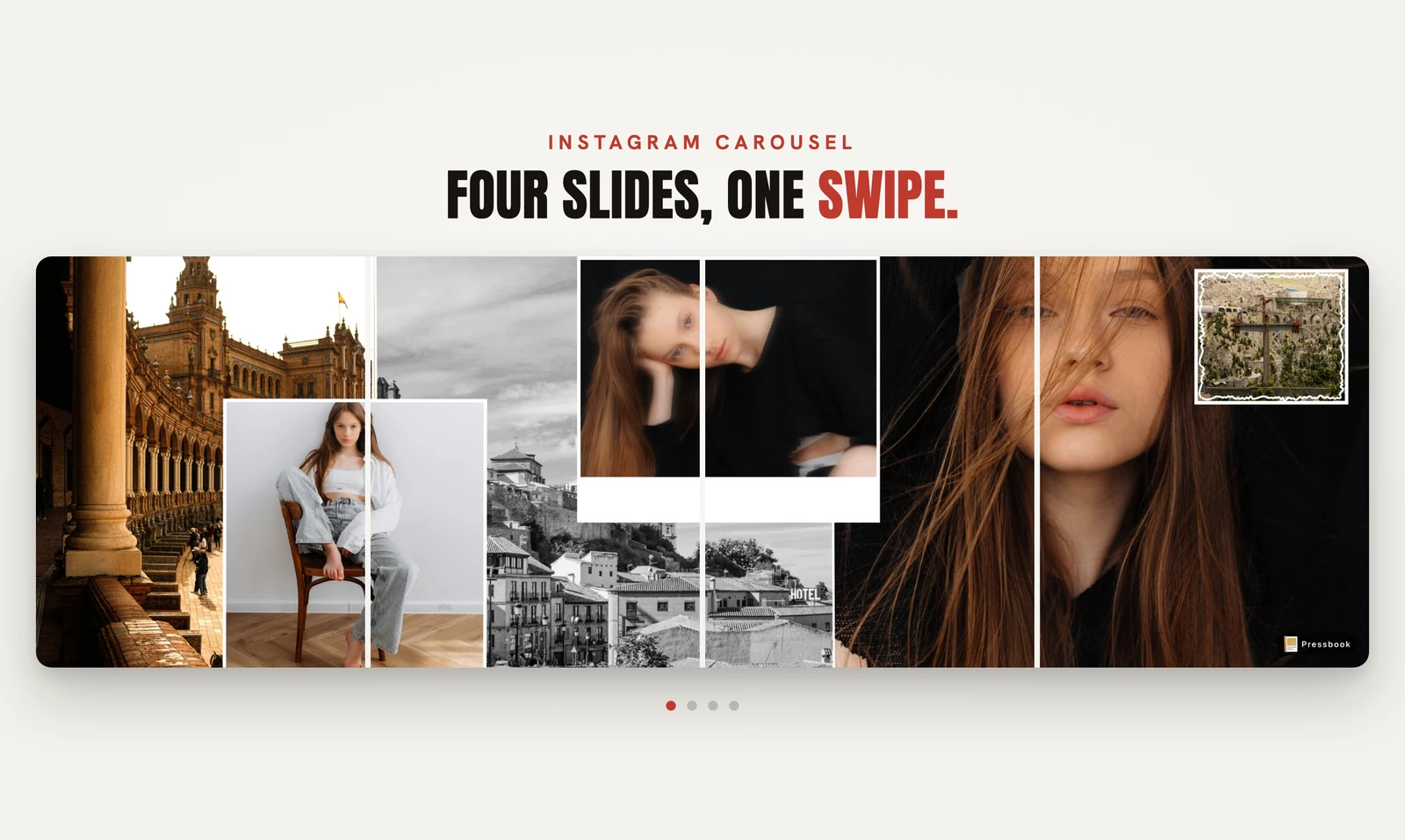
Five photos, one swipe. Pressbook lays them across a single wide canvas, then cuts that canvas into five square panels that line up edge to edge as someone swipes your post. The seams disappear, and the carousel reads as one continuous image instead of five separate posts that happen to be next to each other.
That continuity is the whole point of a carousel, and it is easy to lose when each slide is built on its own. Here is how Pressbook keeps it.
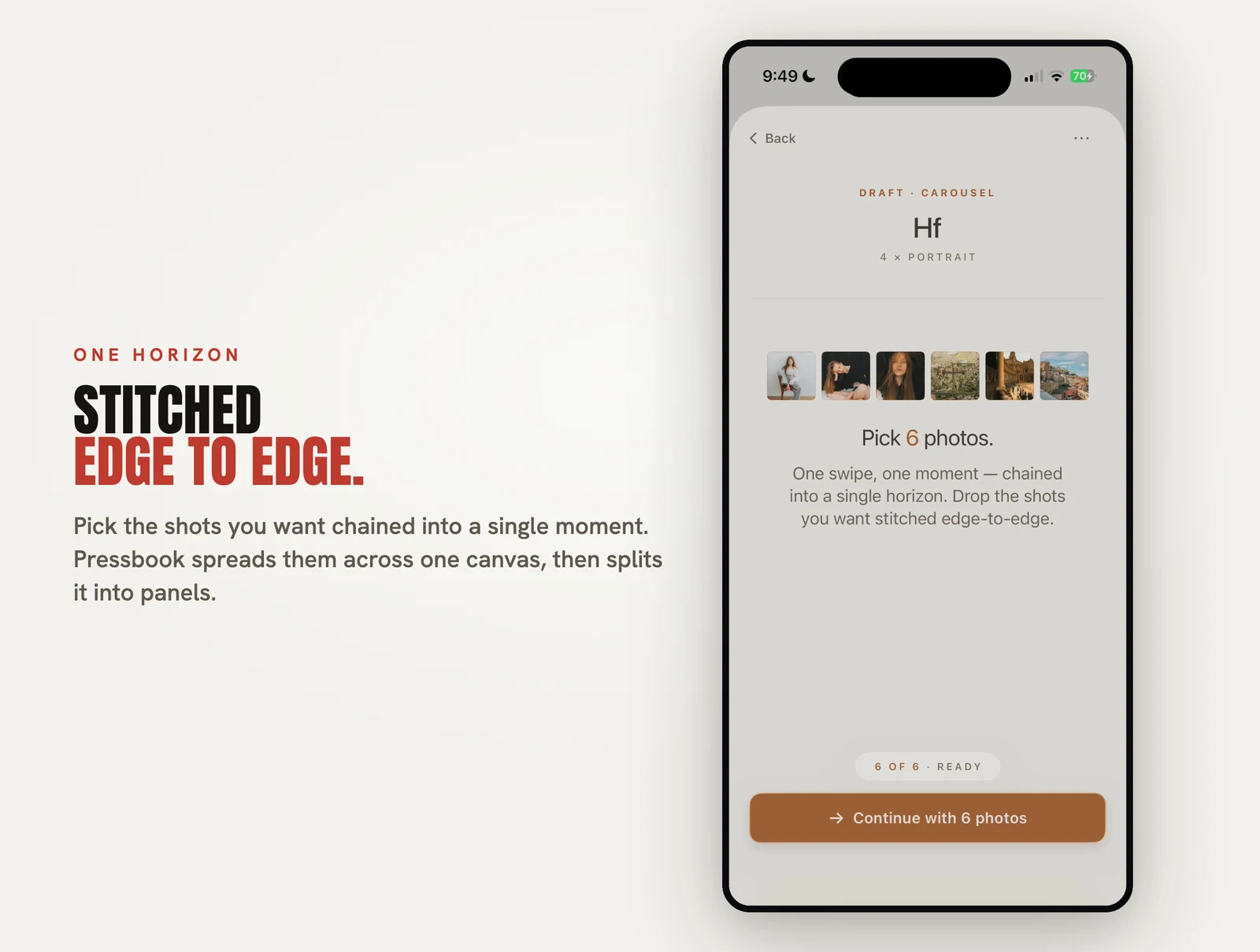

Pick two to ten photos
A carousel in Pressbook is between two and ten panels. You select the photos, and the app composes them into one design with a shared background and type. The count is up to you: two panels for a before and after, or ten for a sequence that pays off on the last swipe. The shorter the set, the more each panel can hold; the longer it runs, the more it rewards a viewer who keeps swiping.
Why every slide matches
The mechanism is worth understanding, because it is the reason the slides are consistent. Pressbook does not design five separate squares and try to make them look related. It renders one wide canvas at export resolution, for example 5400 by 1080 pixels for a five-panel square set, then slices that single canvas into five panels.
Each panel is drawn into its own fresh image rather than cropped out of the parent, which avoids the gray or black edges that crop-based slicing tends to leave at the seams. When the panel count does not divide the width evenly, the first few panels absorb one extra pixel each, so the total width stays exact and the seams land where they should.
Because all five panels are slices of the same rendering, they share the same background, the same theme, and the same typography by construction. There is no per-slide variation to drift out of sync. When the viewer swipes, the design continues across the gap instead of resetting.
Square or portrait
Two panel shapes cover the common cases. Square is 1 by 1, 1080 by 1080 pixels per panel, the standard feed thumbnail. Portrait is 4 by 5, 1080 by 1350 pixels per panel, which takes up more vertical space in the feed and tends to stop the scroll. Pick based on how much room you want each slide to claim.
Saved as a swipeable set
On export, each panel is rendered as its own image. Save all of them to Photos, then post them together in a single Instagram upload, in order, and the result is a carousel that swipes as one piece. Panels export at the same quality tiers as the rest of the app, up to 600 DPI, so a carousel you build for Instagram is also sharp enough to reuse elsewhere.
All of it on the device
The composition, the wide-canvas render, the slicing and the export all happen on your phone. The photos are never uploaded to build the carousel. That is the same posture behind every Pressbook feature, and the reasoning is in Why we built SideSwipe Labs.
Carousel, collage or album
These three get mixed up, so to be clear: a carousel is a set of separate slides someone swipes through. If you want several photos combined into a single image instead, that is Quick Collage. And if you want a long-form sequence of designed pages, that is a full album.
Try it
Pick four photos from one moment, a recipe in steps, a place from a few angles, a day in order, and build a carousel. Post the panels together and watch the design carry across the swipe.
Start a carousel in Pressbook, free on the App Store, using photos you already have.