How to Add Video to Photo Collages and Carousels on iPhone
A photo holds a moment still. Sometimes you want it to move instead: the wave breaking, the candle going out, the dog finally catching the ball. Pressbook now lets a video clip take any slot a photo could, inside a collage or a carousel, and treats it the same the whole way through: trim it, filter it, keep its sound, and export an MP4 that renders entirely on your phone.
What it does, and where the edges are:

Drop a clip into any slot
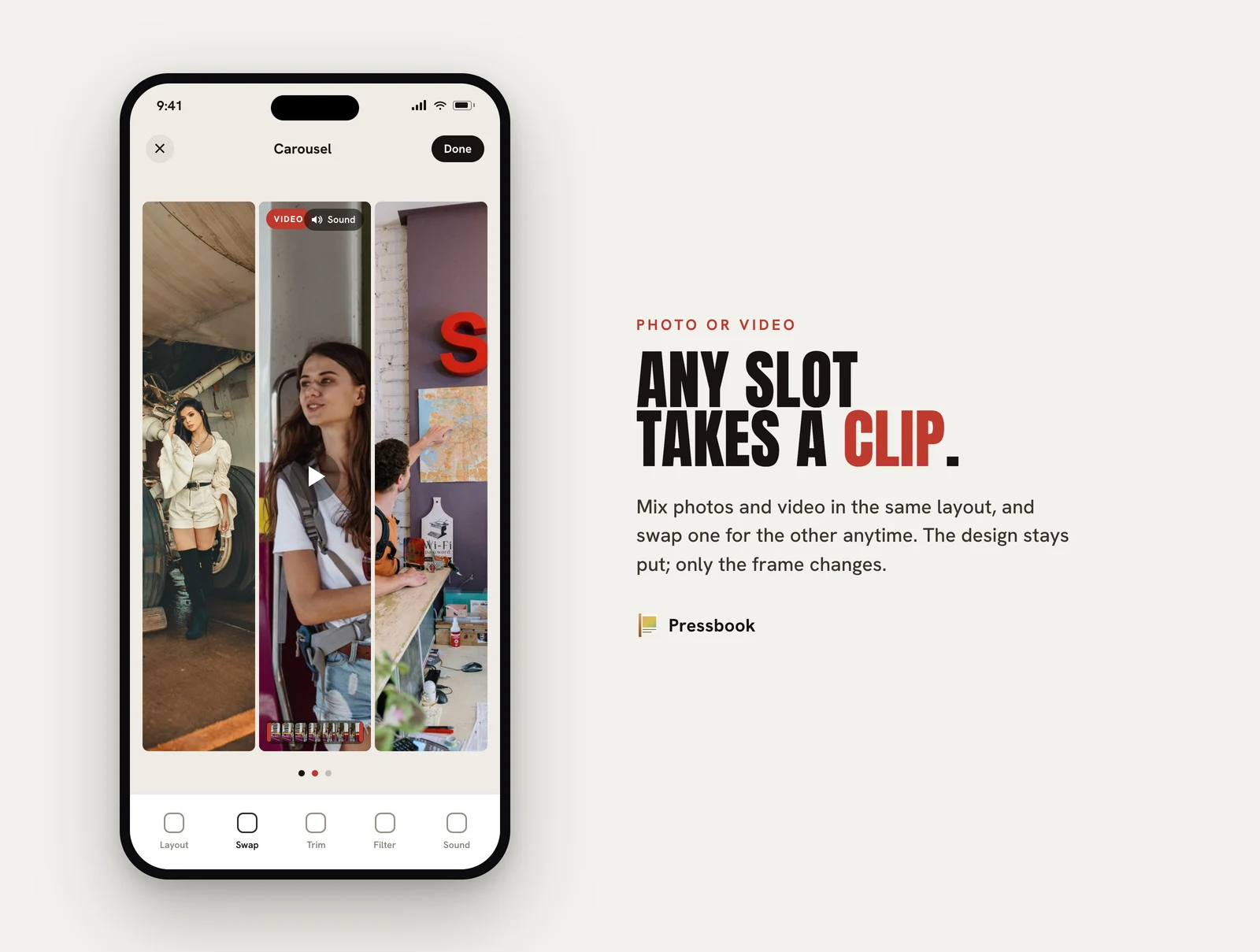
Video is not a separate mode. Pick a collage or a carousel layout, and any frame that would hold a photo can hold a clip instead. Mix freely: three stills and one moving frame in a collage, or a carousel that opens on a photo and pays off with video on the last swipe.
Swapping is symmetric. You can swap a photo for a video, a video for a photo, or two clips with each other, and the layout stays put: only the contents of the two slots trade places. So you are never locked into the decision you made when you first filled a frame.
Trim down to the moment
Raw clips are almost always too long. Pressbook gives each clip a filmstrip you scrub to set where it starts and stops, so you keep the two seconds that matter and drop the lead-in. Clips are capped at 15 seconds each, which keeps a multi-clip page short enough to actually watch, and short enough to export quickly on-device. A very short trim (under half a second) holds as a still frame rather than a stutter.
The same filters as your photos
A clip is not a second-class citizen in the layout. It takes the same filters and the same grid-wide treatments your photos do (grayscale, sepia, faded, blurred), so a black-and-white collage is black-and-white whether a given frame is moving or still. The look you set on the page is the look the whole page exports with, no frame left mismatched.
Sound is off until you ask for it
Audio is opt-in everywhere. Clips autoplay muted in every preview, so opening a project never makes noise, and you decide what (if anything) gets heard.
In a collage, one clip on the page can be the Sound source; choosing it mutes the others, so the page has a single, intentional soundtrack instead of several clips talking over each other. In a carousel, each panel keeps its own audio, the way separate slides should. A speaker toggle in the view and reader modes lets you hear a project before you commit, and the sound you pick is exactly the sound the export carries.
Export: an MP4 you can post anywhere
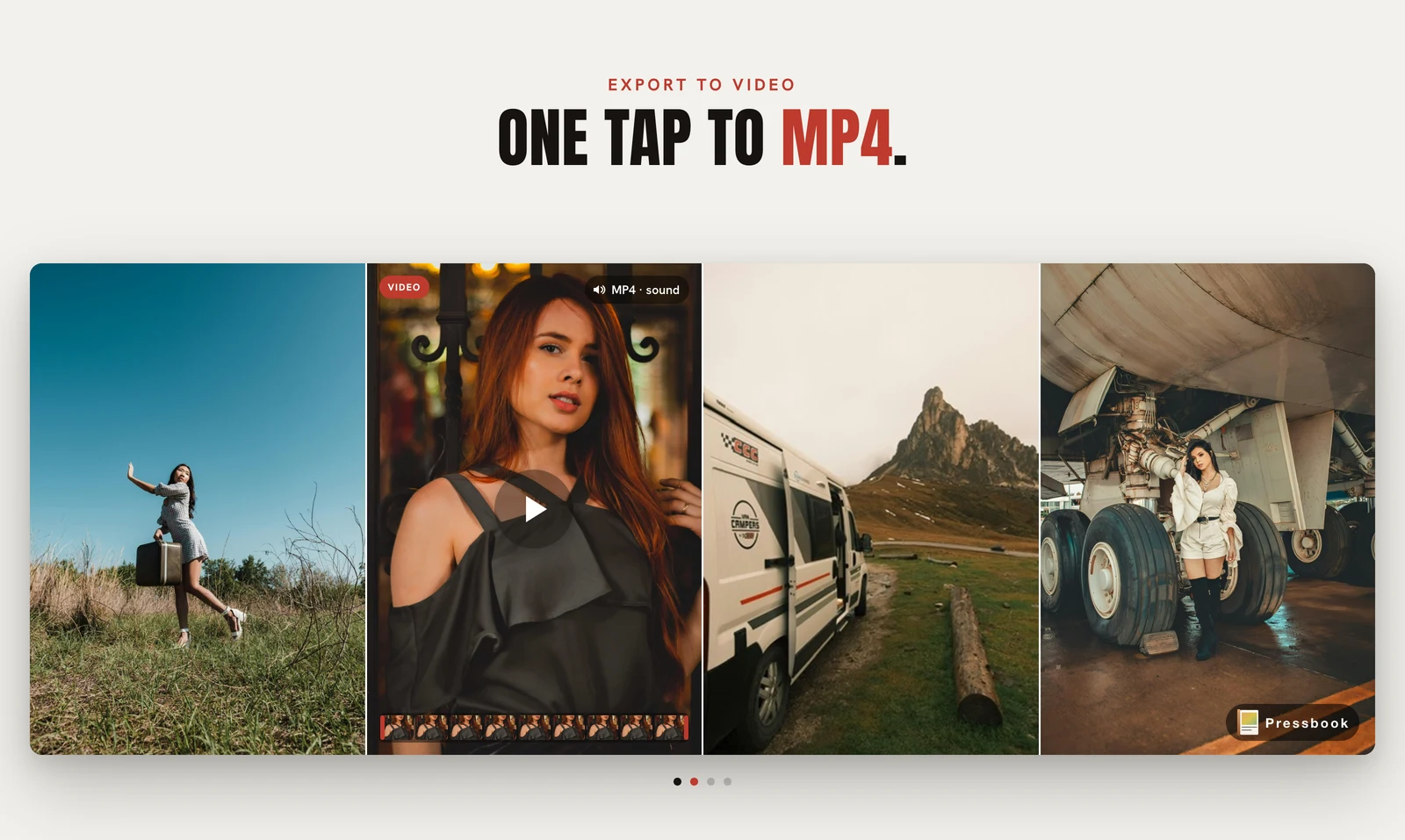
A finished collage exports as a single MP4. A carousel exports each panel as its own clip (each keeping its own audio), so you post them together as a set, the same way you would photo panels.
On collages, an iPhone's native HDR video is preserved end to end: the export stays HEVC with the BT.2020 / HLG signal intact, so the highlights you shot are the highlights that play back. Standard clips export as H.264. Either way you get a file that drops straight into Instagram, Messages, or your camera roll.
All of it on the device
The trimming, the filtering, the compositing of moving frames, the audio muxing and the final encode all run on your iPhone. Your clips are never uploaded to make any of this work: there is no server in the path, because there is no server. That is the same posture behind every Pressbook feature, and the reasoning is in Why we built SideSwipe Labs.
Where video fits
To set expectations: video lives in collages and carousels, the layout-driven, share-sized formats. Long-form albums remain a print-and-PDF medium and stay photo-only, which is the right call for something you export to paper. If you are building something to watch, reach for a collage or a carousel.
Try it
Find a clip on your camera roll you never did anything with. Drop it into a collage next to two stills from the same day, trim it to the part worth keeping, pick it as the sound, and export. You will have a short, sharp piece of video that looks like it belongs with your photos, because in Pressbook, it does.
Start a collage in Pressbook, free on the App Store, and add a clip to it. iPhone and iPad, iOS 18 and up.